
The grocery list app built for couples and families

Manage your grocery list faster, shop by category, and stop forgetting things.

SwiftLists is a shared grocery list app for busy families, couples, and anyone who wants a bettergrocery shopping list. Share lists, hide checked items, delete on check, run bulk actions, andorganize everything by category so weekly shopping feels easier.

Delete on check
Hide checked items
Bulk actions
  • Share a grocery list with your spouse or family and update it together
  • Sort items into categories so you shop in a better order through the store
  • Check all, uncheck all, delete all, and keep checked items out of the way

Use SwiftLists as a grocery checklist, pantry restock list, or shopping planner for multiplestores. It works well whether you shop solo, with a partner, or for a whole household.

Download SwiftLists now:

  • Download on the App Store
  • Get it on Google Play
Join shoppers using SwiftLists to make grocery runs simpler, faster, and less stressful.
Download on iPhone and Android
SwiftLists grocery list app screens
Shared listsCheck off items together without duplicates or missed updates.
Smart organizationGroup by category so you can move through the store once.

Built for heavy shopping and lots of items

SwiftLists is designed around the repeatable rhythm of real grocery shopping: add items quickly,keep them around for next time, and share the work without confusion. If you shop every week,manage a family grocery list, or bounce between multiple stores, the app stays organized.

Reusable lists

Turn recurring items on and off instead of starting over every trip.

Household friendly

Share lists with the people you shop with and keep edits in sync.

Store-by-store

Create separate lists for each store so shopping feels organized, not chaotic.

Built for real shopping trips

Grocery list tools that help you move faster through the store.

SwiftLists is not just a place to type items. It helps you manage the list while you shop so youcan stay organized, buy what you need, and get out faster.

Shop by category

Group produce, dairy, frozen, bakery, household, and more so you stop bouncing around the store and stop forgetting items.

Hide checked items

Keep your list focused on what is left to buy instead of scrolling past everything you already grabbed.

Bulk actions

Check all, uncheck all, or delete all when you want to clean up a list quickly instead of editing one item at a time.

Shared lists

Let someone else add items, check things off, or finish the trip without losing track of what still needs to be bought.

Why people stick with SwiftLists

It removes the annoying parts of grocery shopping.

Most people buy many of the same things every week. SwiftLists keeps those items ready to go,so you can focus on what changed instead of rebuilding your list from scratch.

Check items on and off

When you need something, uncheck it. When you buy it, check it off again.

Share without friction

Your spouse or family can edit the same list instead of sending screenshots or texts.

Sort by category

Keep produce, dairy, frozen, and household items grouped the way you shop.

Free to get started

Start using the app right away and simplify your next grocery trip.

Start with a free download:

  • Download on the App Store
  • Get it on Google Play

Want to compare options or learn more before downloading?

Read the FAQ or see why people call SwiftLists a great grocery list app

Feature highlights

A grocery list app that feels practical from the first trip.

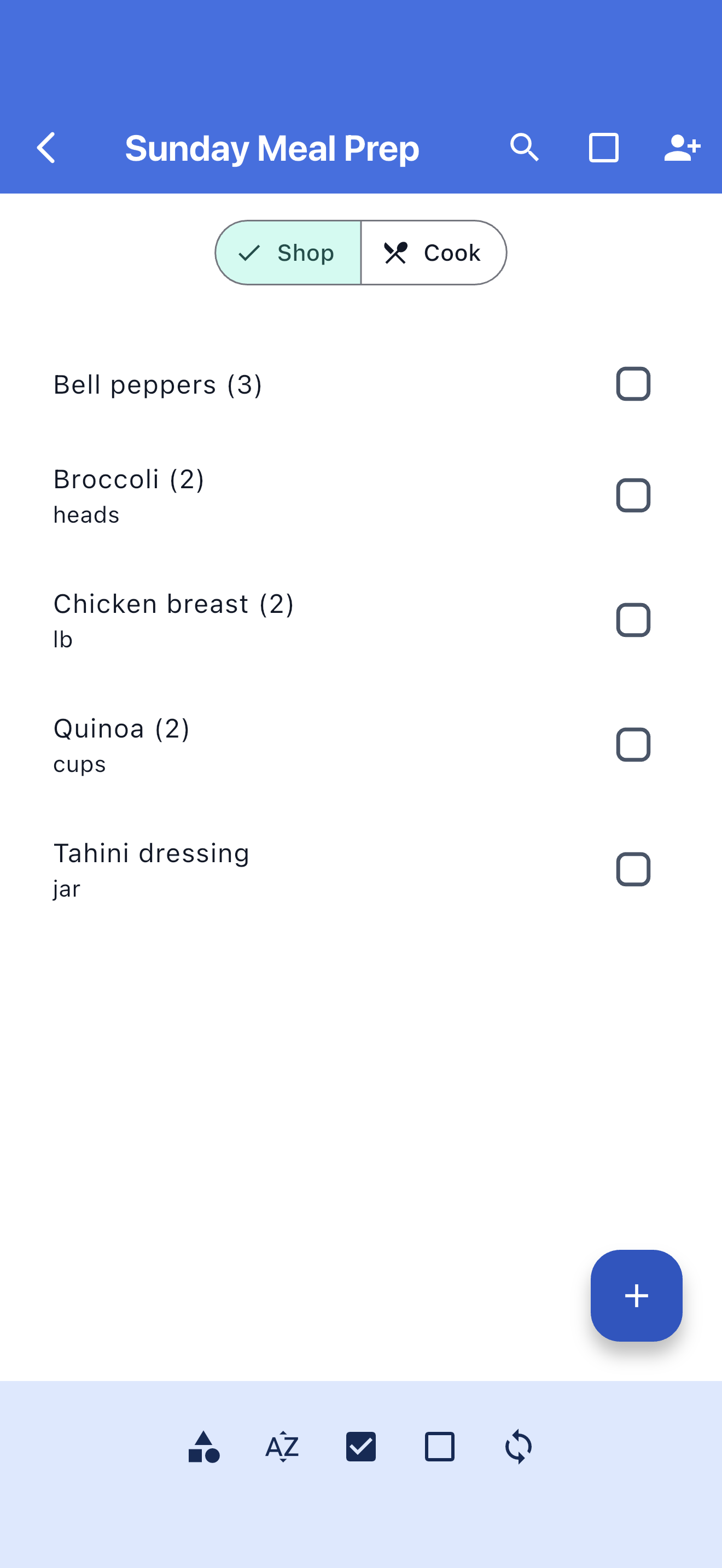
Lists view in SwiftLists
Make multiple lists

Most people buy different things at different stores. With SwiftLists you can make a specific listfor each store and keep them all organized.

Send friend requests

Send and accept friend requests, then share lists with one tap. Your spouse can shop for youand check things off your list as if they made it themselves, and it will stay in sync.

Group items by aisle

Shop how you want. Group items based on what aisle they are on or what department they are infor faster shopping, and use default categories or create your own.

Sorting and grouping

Sort items by checked, unchecked, alphabetically, or by category. Long grocery lists feel mucheasier to manage when you can see items in the order that makes sense to you.

Sharing a list in SwiftLists
Offline support

You can use SwiftLists with no internet, and it will sync with the server later when you havea connection again.

Turn lists on or off

Maybe you want to hide a list for a while. Tap the eye to hide it from the main view, anddelete a list when you no longer need it.

Save other types of lists

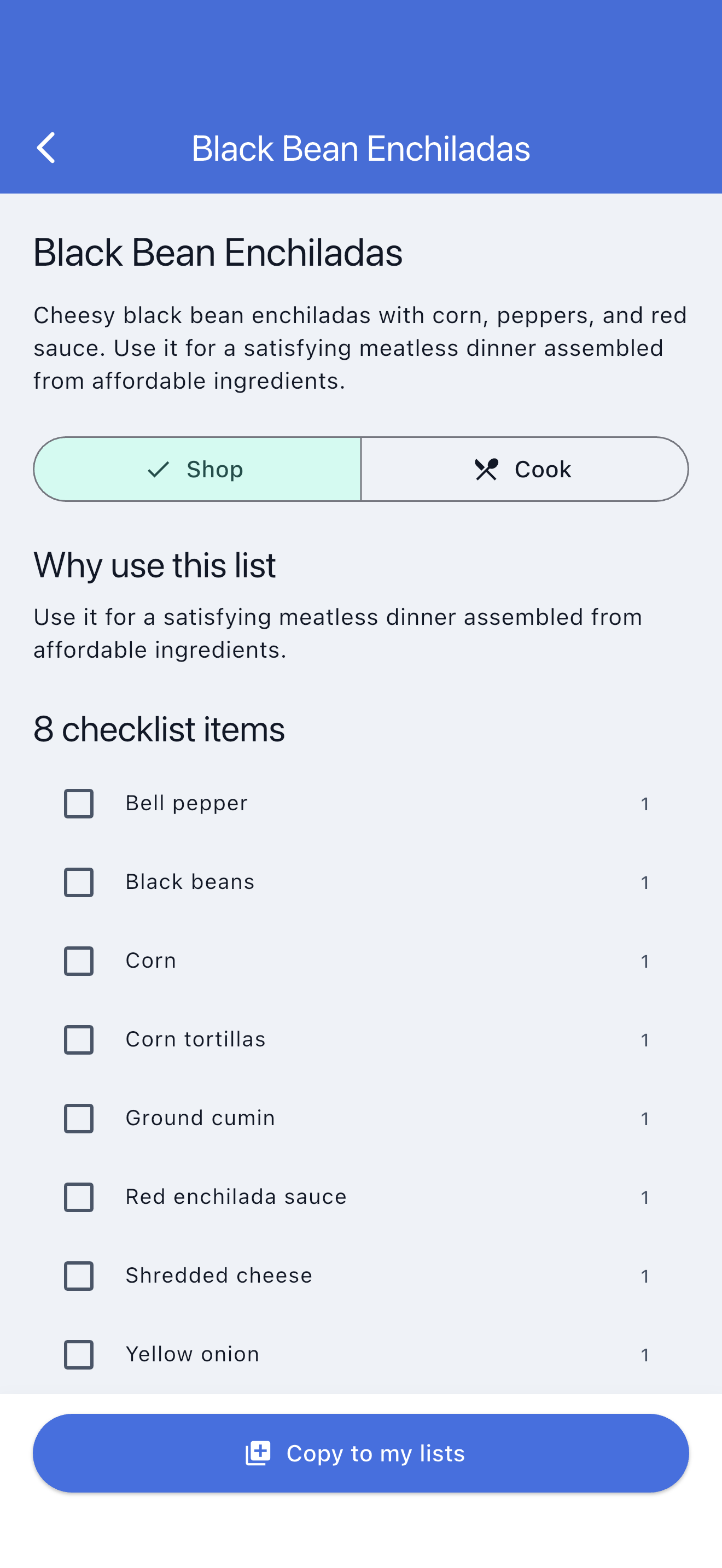
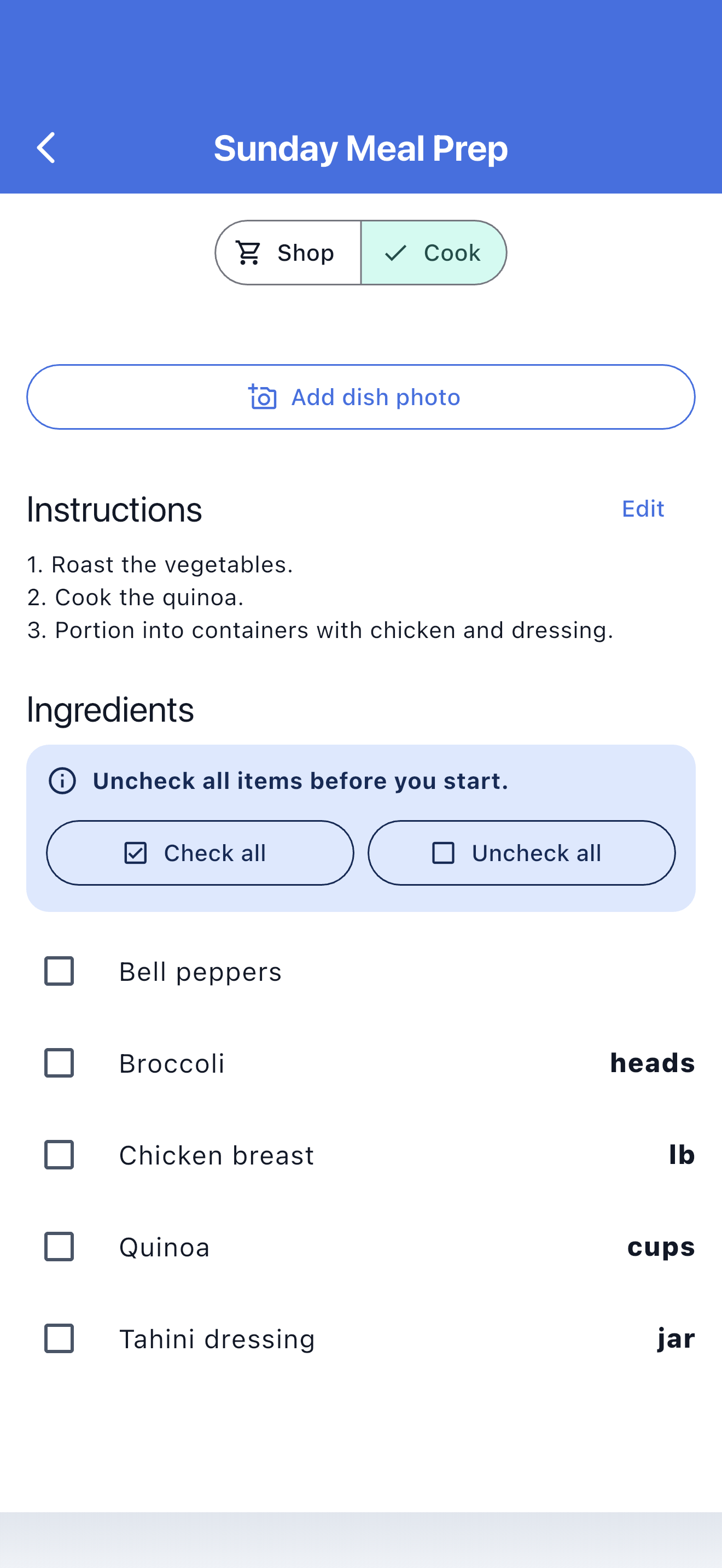
You can use SwiftLists for more than groceries too, like travel packing, pantry restocks,household errands, or simple checklists you want to share.

Manage shared lists

Under the Friends tab, manage who you share lists with, send and accept requests, and invitepeople by email so they can download SwiftLists and start shopping with you.

Popular use cases

One grocery list app for weekly shops, pantry refills, and shared errands.

Many shoppers need more than a basic notes app. SwiftLists helps with repeat grocery runs, sharedhousehold shopping, and store-specific checklists that stay easy to update week after week.

Family grocery lists

Keep one shared grocery list for the household so everyone can add what is needed before the next trip.

Grocery lists for couples

Share shopping responsibility without duplicate purchases, missed items, or last-minute text messages.

Reusable shopping checklists

Recheck staples like milk, eggs, fruit, and paper goods instead of rewriting the same grocery checklist.

Customer love

Shoppers use SwiftLists to save time, trips, and mental overhead.

Try the app that shoppers keep recommending:

See SwiftLists on the App Store
Common questions

Questions people ask before choosing a grocery list app.

What makes SwiftLists different from a basic grocery list app?

SwiftLists is built for repeat shopping. Instead of rewriting lists every week, you can reuse items,organize them by category, hide checked items, and share the same list with other people.

Can I share a grocery list with my spouse or family?

Yes. SwiftLists is designed for shared grocery lists, so multiple people can add items, check themoff, and keep the list updated together.

Does SwiftLists work for more than groceries?

Yes. Many people also use it for pantry restocks, household shopping, travel packing, and simpleshared checklists.

Ready to try it?

Download SwiftLists and make your next grocery trip easier.

Start free on iPhone or Android and build a grocery list you can keep, share, and reuse every week.

Choose your store:

  • Download on the App Store
  • Get it on Google Play

Made with Flutter