

Easy meal5 items
15-Minute Pesto Pasta
A bright pesto pasta with tomatoes, spinach, and Parmesan.
- Baby spinach5 ounces
- Basil pesto¾ cup
- Cherry tomatoes1 pint
- Parmesan cheese½ cup
Stop sending last-minute grocery texts, screenshots, and half-remembered requests. SwiftLists gives couples one reusable grocery list that both people can update before, during, and after the store run.
Download the app or create a web account:
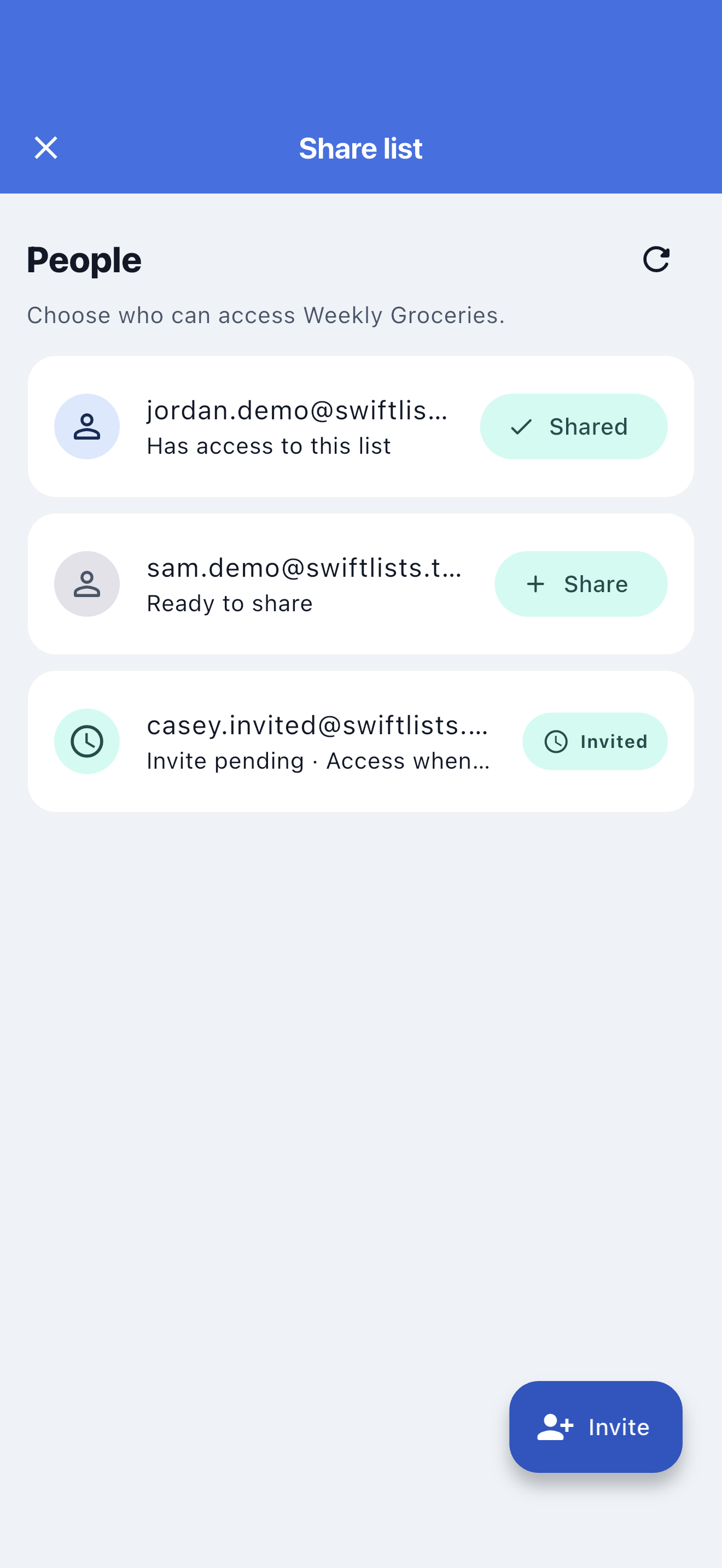
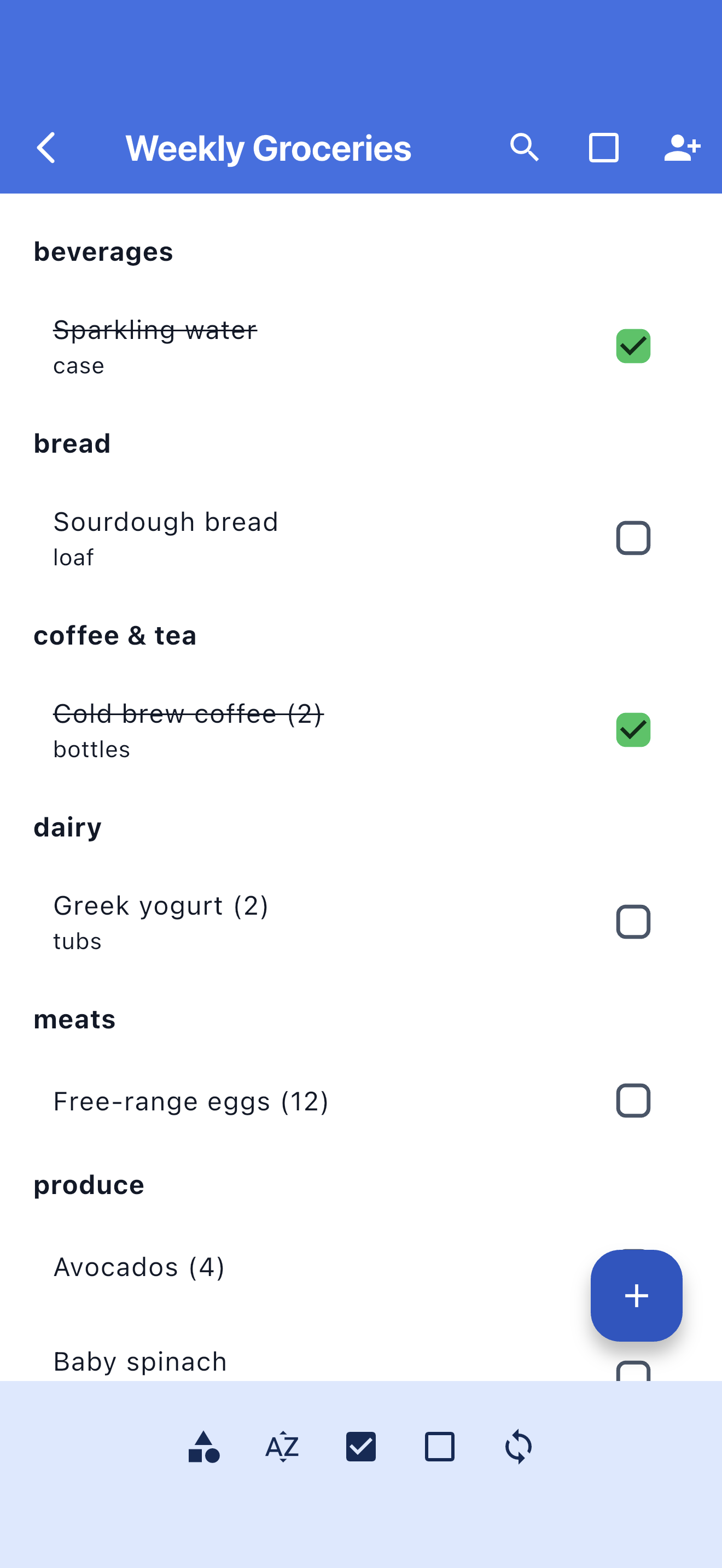
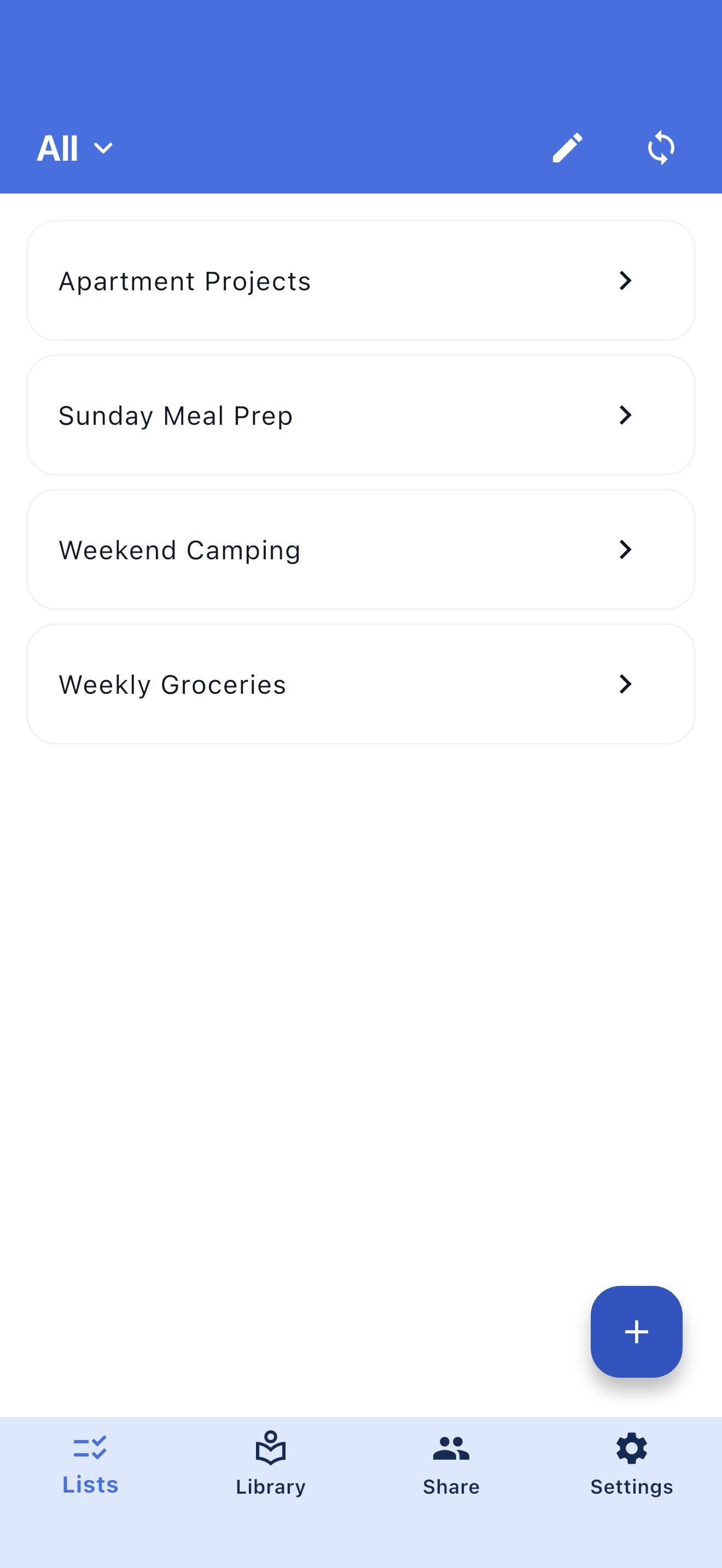
Whether one person usually shops or you trade off errands, SwiftLists keeps grocery requests in one place. Add items the moment you think of them, check them off while shopping, and reuse staples the next time you need them.
Both people can add items, check things off, and keep the list current.
Use the list instead of sending a stream of "can you grab..." messages.
Keep separate lists for groceries, Target, Costco, or other shared errands.
SwiftLists works well for weekly grocery runs, Target lists, warehouse trips, meal-planning ingredients, and household basics that both people need to remember.
Add milk, snacks, paper towels, or dinner ingredients as soon as either person notices them.
Mark items as bought so your partner can see what is done and what still needs attention.
Hide checked items so the shopper only sees what is left to buy.
Group produce, dairy, frozen, pantry, and household items so the trip feels less scattered.
Browse recipes, Easy Meals, and grocery templates. Preview the ingredients, copy one into your account, and make it your own before shopping.
A bright pesto pasta with tomatoes, spinach, and Parmesan.
Fast tacos built from rotisserie chicken and ready-to-serve toppings.
A broad family-week checklist covering breakfasts, packed lunches, dinners, and snacks.
Turn recurring items back on when you need them again.
Couples can share lists across iPhone and Android.
Make lists by store, meal plan, event, or household need.
Use bulk actions to prepare an old list for the next trip.
Keep recurring basics ready and add the special items that change each week.
Let whoever is out add, buy, and check off shared household needs.
Turn meal ideas into ingredients without losing track in a text thread.
Yes. SwiftLists is built for shared lists, so both partners can add items, check things off, and keep the list updated from their own phones.
Yes. Couples can use the same shared list even if one person has an iPhone and the other has Android.
Yes. Check items off when you buy them, then uncheck staples when you need them again instead of deleting and retyping them.
Get SwiftLists on iPhone or Android and make one list you both can actually keep up to date.
Download the app or create a web account: