

What is the SwiftLists Library?
The Library is a searchable collection of grocery lists, complete recipes, and Easy Meals. Browse by goal, dinner style, ingredient, or dietary preference.
Learn how to save recipes, shop their ingredients, cook with measurements and instructions, and share the plan with your household.
Download the app or create a web account:
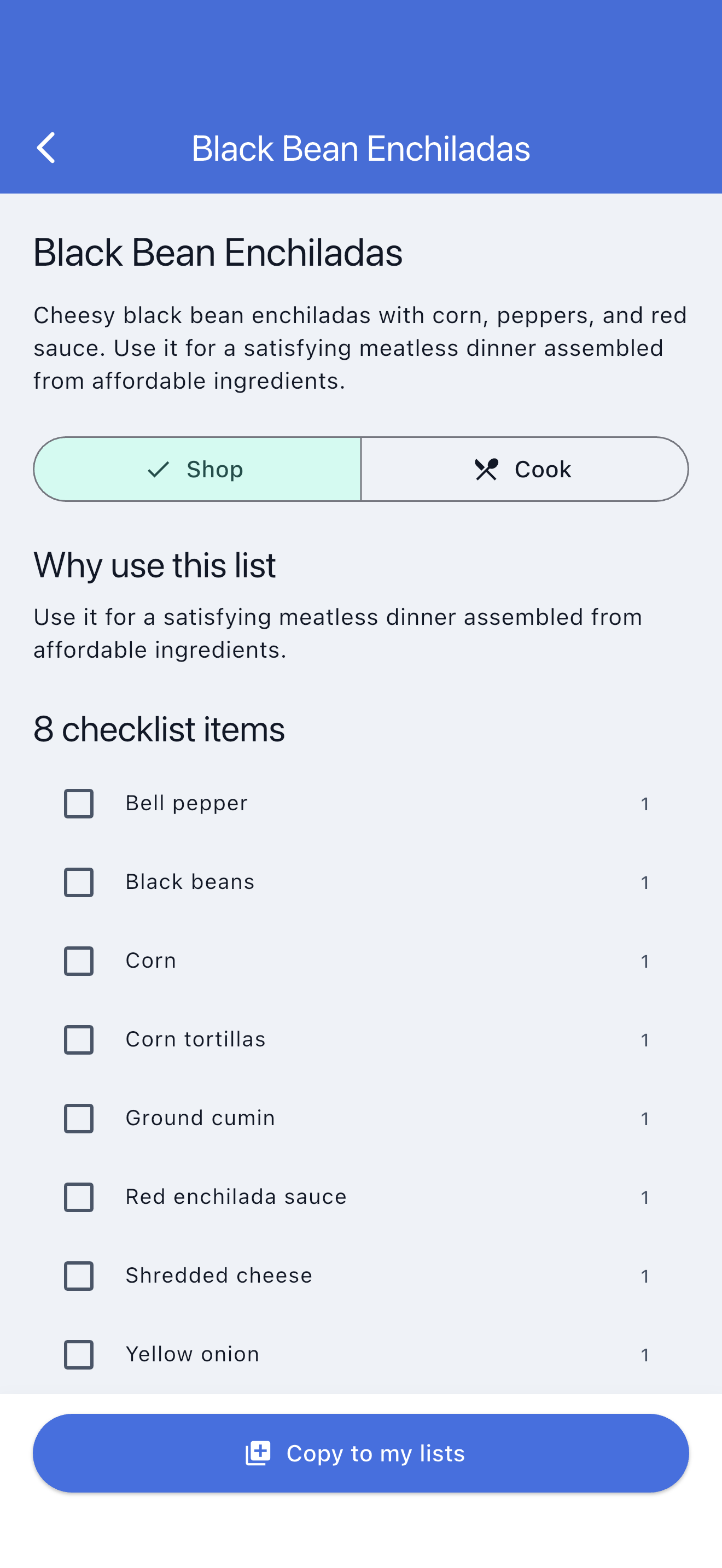
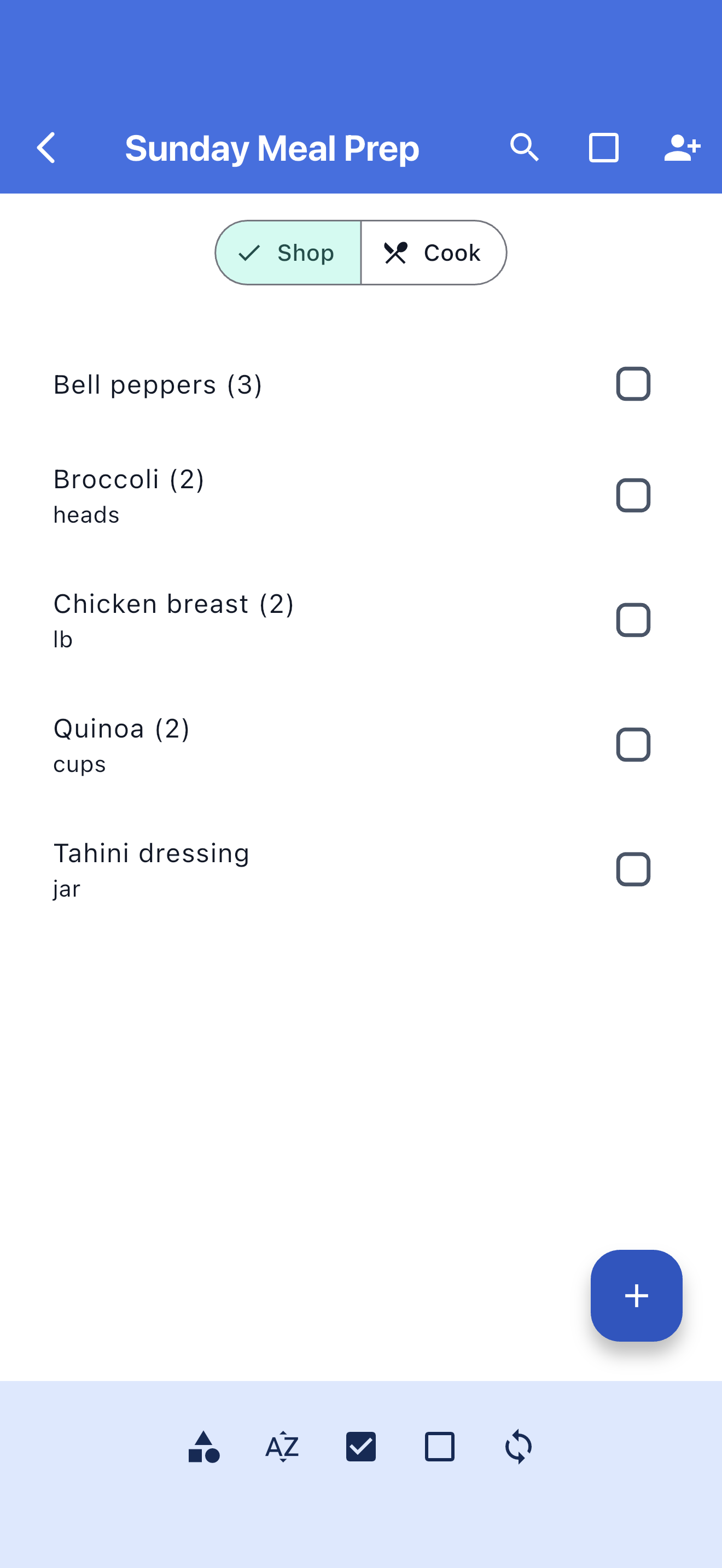
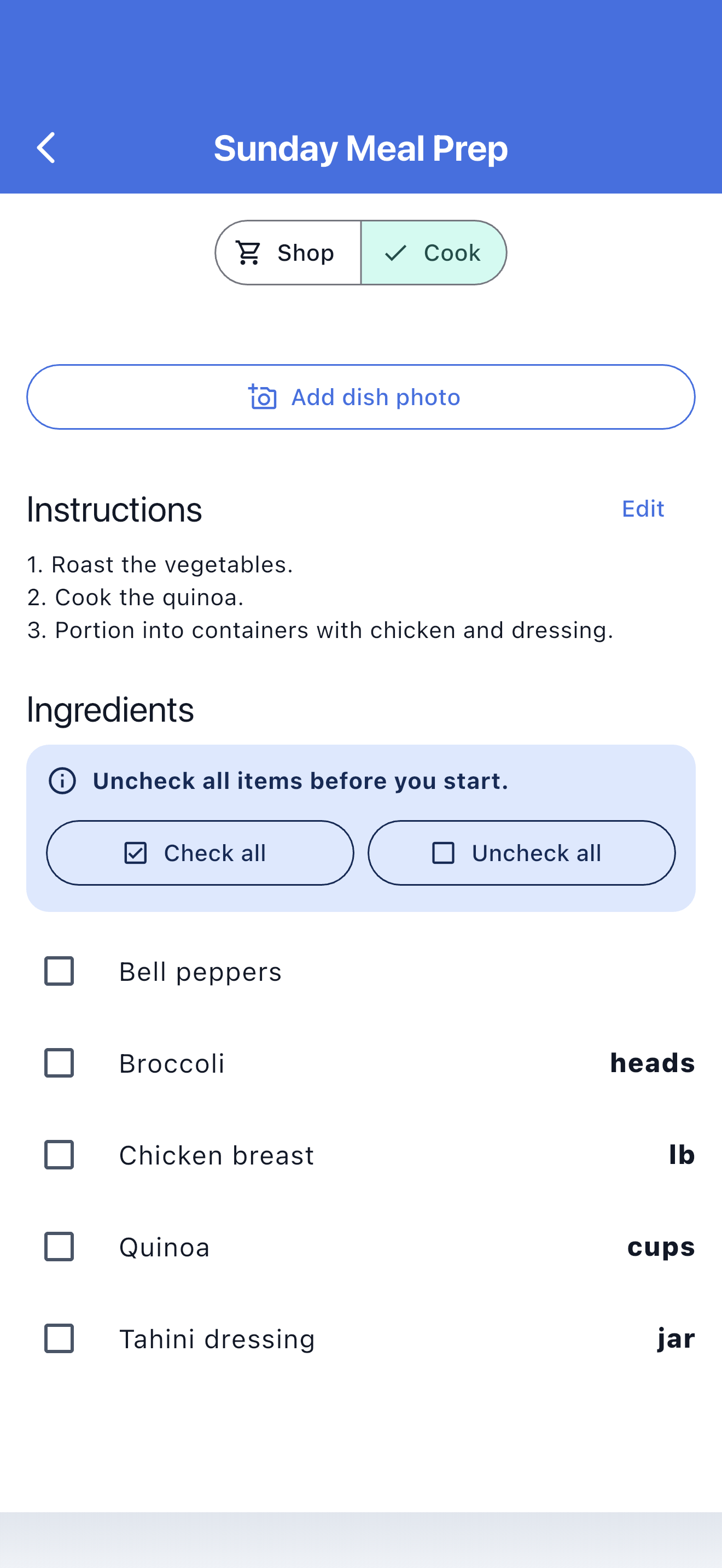
The Library is a searchable collection of grocery lists, complete recipes, and Easy Meals. Browse by goal, dinner style, ingredient, or dietary preference.
SwiftLists creates a new independent list in your account. You can change every ingredient, quantity, measurement, category, instruction, and setting without changing the public source.
Each account includes one starter copy of a Library grocery list, recipe, or Easy Meal. Your copy stays fully editable. Premium is required for additional Library copies.
Recipes provide a complete ingredient list and cooking instructions. Easy Meals use the same Shop and Cook workflow but focus on fast, low-prep dinner ideas and convenient ingredients.
Shop mode organizes recipe ingredients by grocery category and lets you check purchases off. Cook mode shows ingredient measurements and instructions without changing the shopping checkmarks.
Yes. A copied recipe works like another SwiftLists list and can be shared privately with family, a partner, or roommates.
Yes. Create a recipe with ingredients, shopping quantities, custom measurements, instructions, and an optional cover image. Owners can also submit eligible recipes for Library review.
Yes. Keep recurring items, check them off after purchase, and uncheck them when you need them again.
Yes. Copied lists and recipe ingredients remain editable offline. Changes synchronize after connectivity returns. Cover-image uploads and Library discovery require a connection.
Yes. Recipe ingredients use the same produce, dairy, frozen, pantry, and other categories as grocery lists.
Yes. The web dashboard can create and edit lists and recipes, browse the Library, and copy templates into your account before you download the app.
No. Shared lists work across iPhone and Android.
SwiftLists is available on the Apple App Store and Google Play.
Preview every item, measurement, and instruction. Your copied template is independent, fully editable, and ready to share.
A bright pesto pasta with tomatoes, spinach, and Parmesan.
Crisp quesadillas filled with seasoned black beans, corn, and cheese.
A broad family-week checklist covering breakfasts, packed lunches, dinners, and snacks.
Get SwiftLists on iPhone or Android. Create one reusable list and invite the people who shop with you.
Download the app or create a web account: