

Easy meal5 items
15-Minute Pesto Pasta
A bright pesto pasta with tomatoes, spinach, and Parmesan.
- Baby spinach5 ounces
- Basil pesto¾ cup
- Cherry tomatoes1 pint
- Parmesan cheese½ cup
Decide what to cook and what to buy without juggling notes, recipe tabs, and shopping lists. Use SwiftLists in your browser to organize groceries, save your recipes, and keep ingredients and cooking instructions together.
Download the app or create a web account:
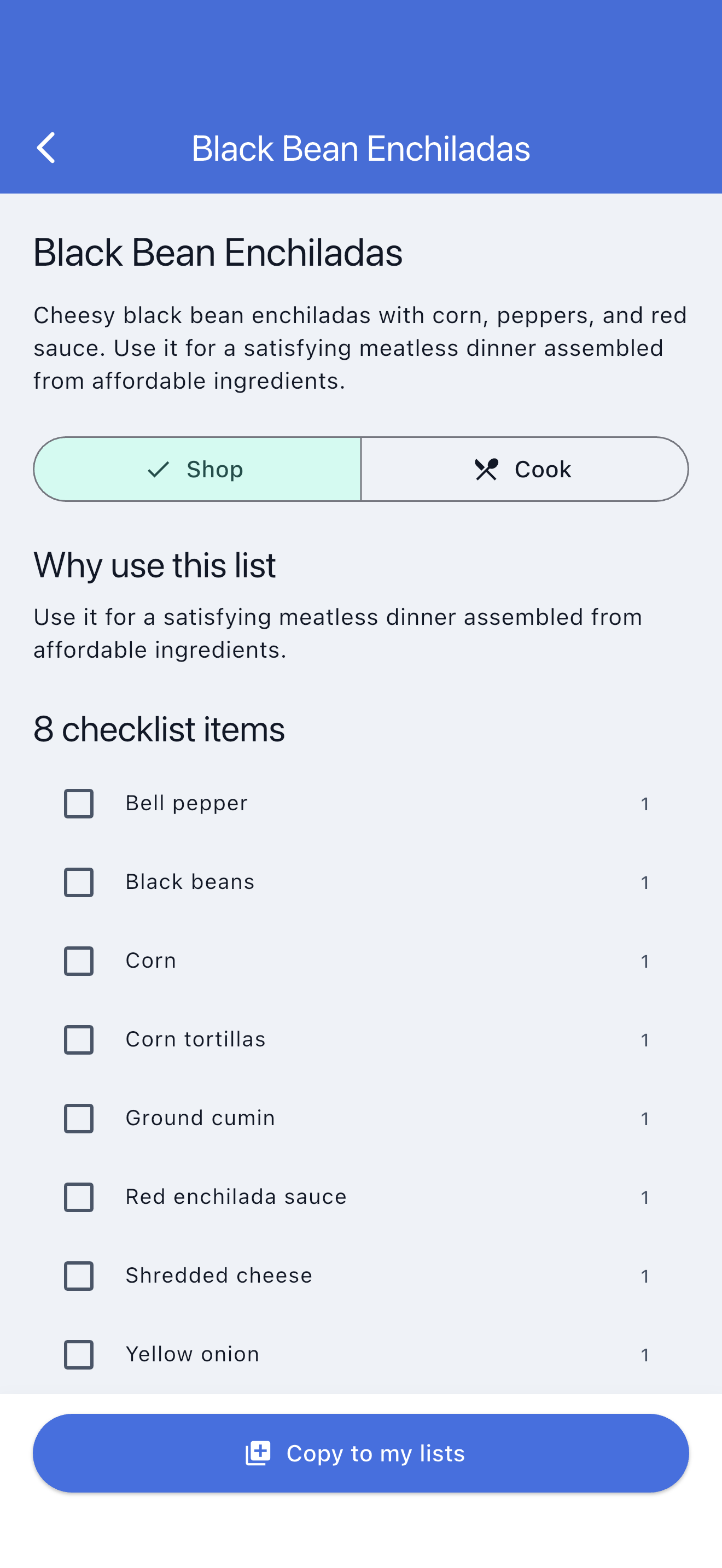
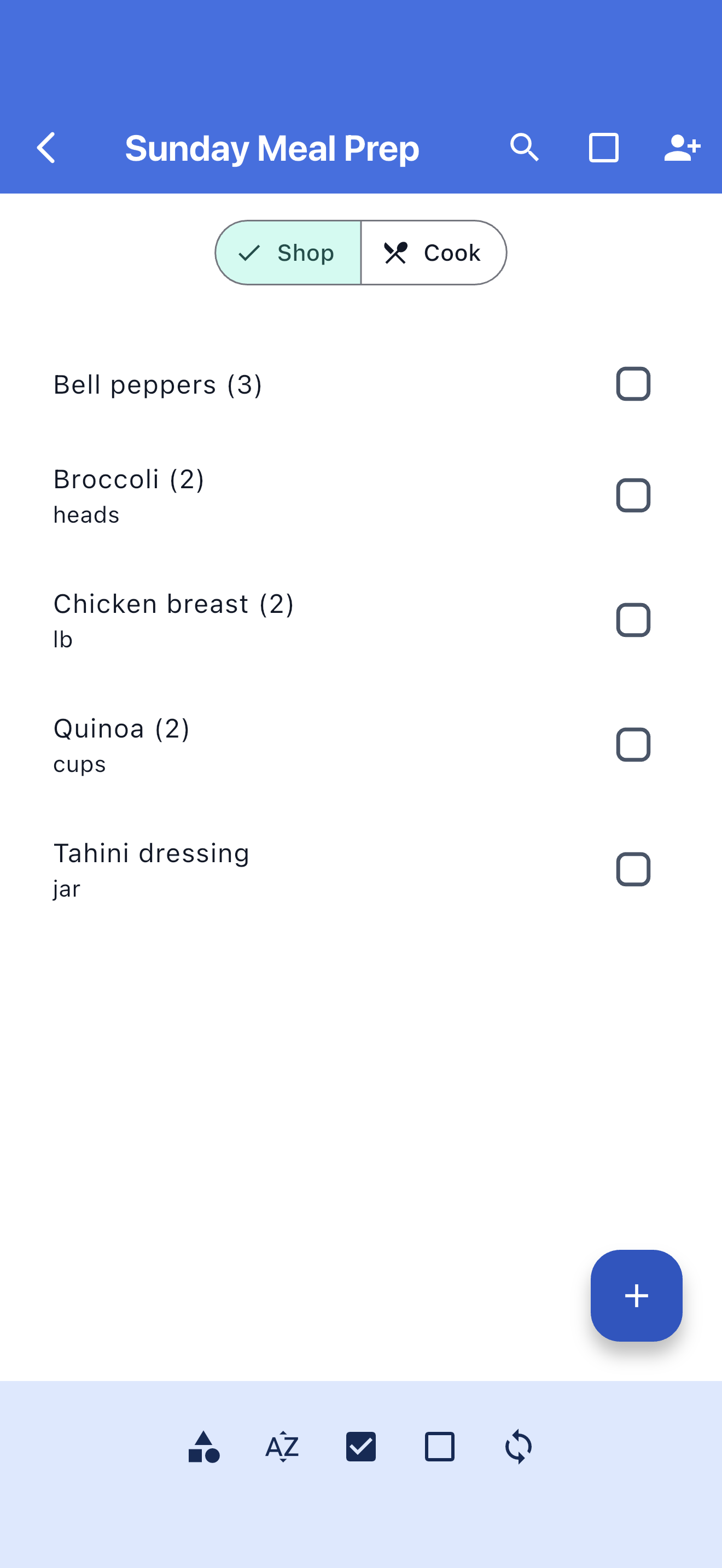
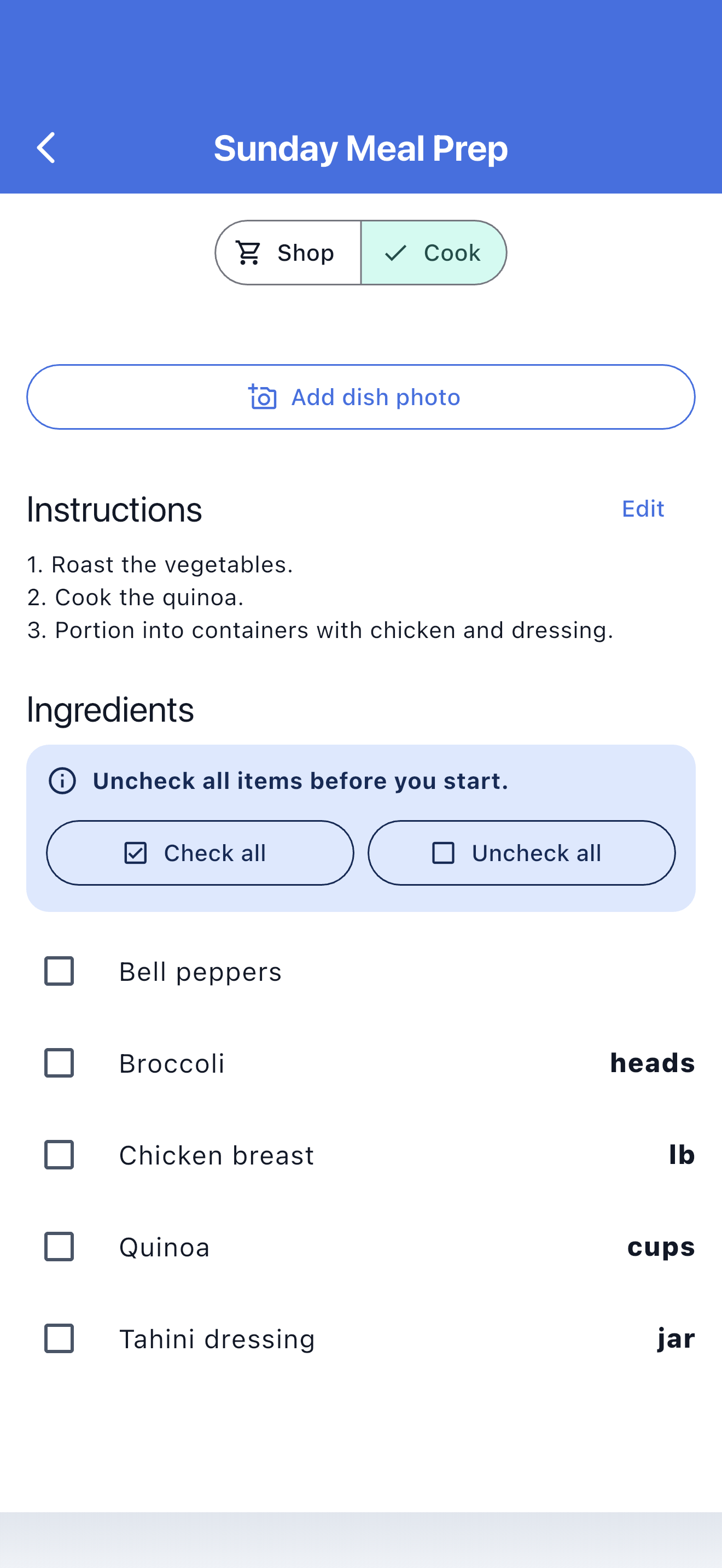
Example plan · Tonight’s dinner
Keep the shopping details and the recipe together.
Add your instructions and keep them with the ingredients.
Use a keyboard and a bigger screen to name your lists, add ingredients, and write recipe instructions. When it is time to shop or cook, your plan is already in SwiftLists.
Keep weekly staples and dinner ingredients in organized lists. Edit quantities and check off purchases.
Save ingredients, recipe measurements, and instructions together so you can return to a meal you like.
Sign in to the iOS or Android app with the same account to use your lists away from your browser.
Make the practical details of buying and cooking part of the same routine.
Create a web account and open your dashboard. Make a grocery list or add a recipe.
Add ingredients, shopping quantities, recipe amounts, and cooking instructions. Or start with a Library template.
Use Shop mode to check off what you buy. Open the app when you head to the store.
Open Cook mode for measurements and instructions. Keep the recipe and reuse your regular grocery lists.
Browse recipes, Easy Meals, and grocery templates. Preview the ingredients, copy one into your account, and make it your own before shopping.
A bright pesto pasta with tomatoes, spinach, and Parmesan.
Fast tacos built from rotisserie chicken and ready-to-serve toppings.
A broad family-week checklist covering breakfasts, packed lunches, dinners, and snacks.
Create and edit your lists and recipes online, with a full keyboard and browser window.
Keep shopping quantities separate from recipe measurements: buy a bag of rice, use two cups.
Reuse weekly staples and favorite meals instead of rebuilding the same plan.
Use your SwiftLists account in a browser or in the iOS and Android apps.
Organize milk, fruit, pantry basics, and household supplies in reusable lists for your usual shopping trips.
Create a recipe with ingredients, measurements, and instructions. Edit it as you find the version you like best.
Browse grocery templates, Recipes, and Easy Meals. Copy a template to get an independent version you can customize.
Check off ingredients while buying them, then read recipe amounts and instructions in Cook mode without changing shopping progress.
Yes. Create a web account to manage grocery lists and recipes from your browser. Download the iOS or Android app whenever you want to take your lists with you.
Yes. Create a recipe in the web dashboard and add ingredients, shopping quantities, recipe measurements, and instructions. You can edit it later.
Yes. Sign in with the same SwiftLists account on the web and in the iOS or Android app to access your lists.
Shopping quantities describe what to buy. Recipe measurements describe what to use when cooking, such as two cups of rice. SwiftLists keeps both with the ingredient.
No. Make your own lists and recipes, or browse the Library for a starting point. Each account includes one starter Library copy; additional copies require Premium.
Yes. Keep recurring groceries in reusable lists and return to saved recipes whenever you want to make them again.
Create a web account to start planning online, or download SwiftLists for iOS or Android.
Download the app or create a web account: