

Easy meal5 items
15-Minute Pesto Pasta
A bright pesto pasta with tomatoes, spinach, and Parmesan.
- Baby spinach5 ounces
- Basil pesto¾ cup
- Cherry tomatoes1 pint
- Parmesan cheese½ cup
A saved recipe is only the beginning. SwiftLists keeps the ingredients you need to buy, the amounts you need to cook, and your instructions in one editable recipe. Plan online, take the ingredients shopping, and open Cook mode in the kitchen.
Download the app or create a web account:
Create your own recipe or copy one from the Library. Edit it to suit your kitchen, then use the same ingredients for shopping and cooking.
Browse practical recipes and Easy Meals when you do not know what to make.
Every recipe ingredient uses the same categories, quantities, checking, and sharing as a grocery list.
Measurements and instructions stay with the recipe when shopping is finished.
Build a collection of meals you can make again, with the practical details already in place.
Give your recipe a name and add its ingredients, measurements, and instructions.
Change ingredients or instructions as you discover the version you prefer.
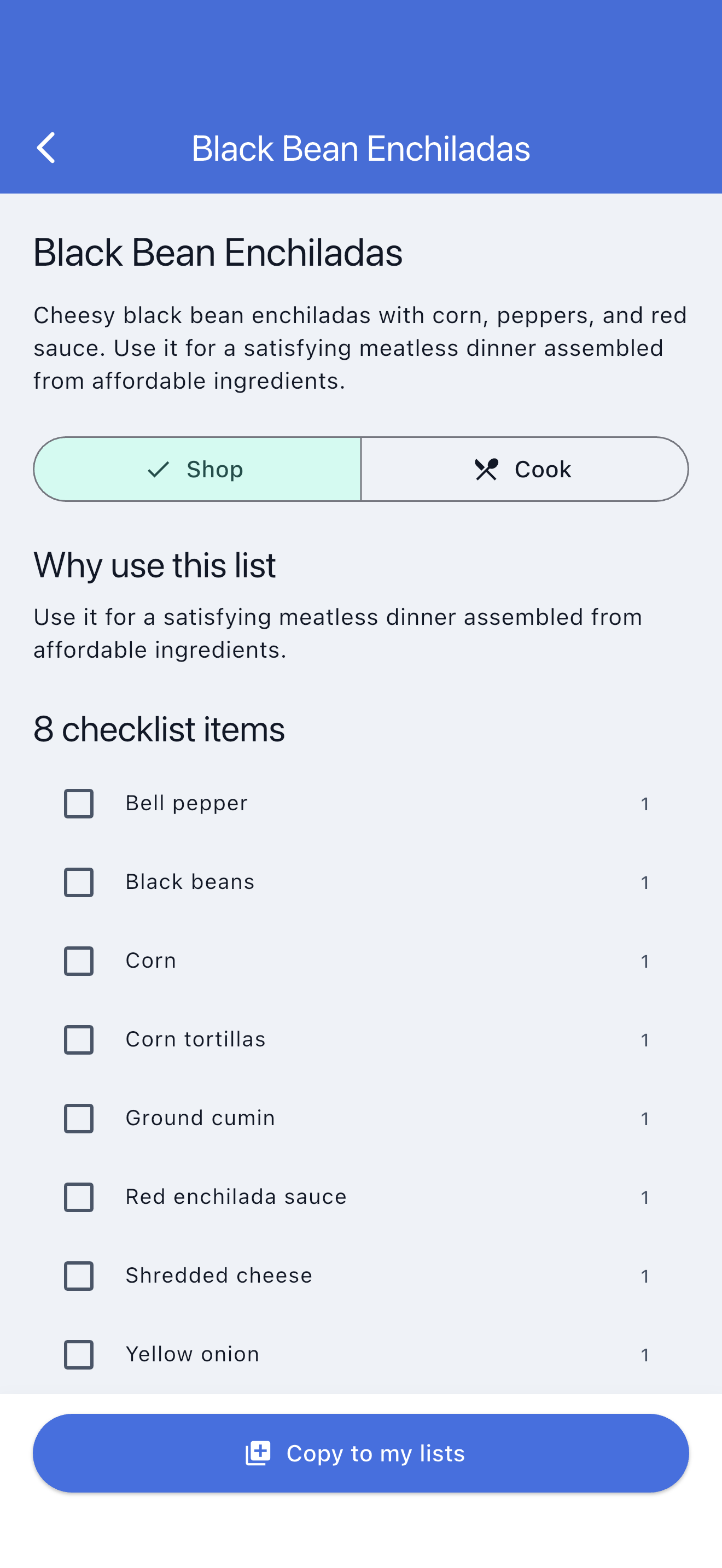
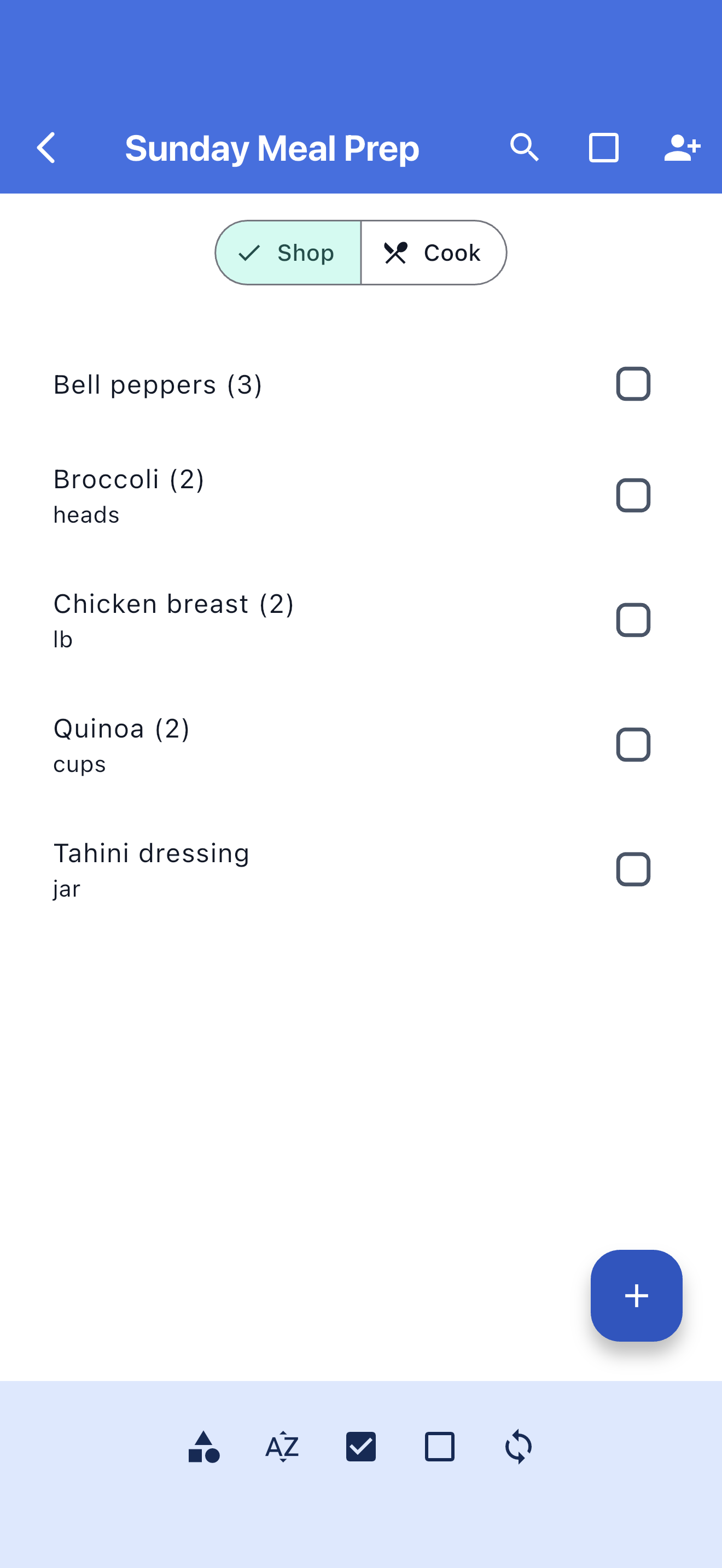
Open Shop mode to work through ingredients by category and check off purchases.
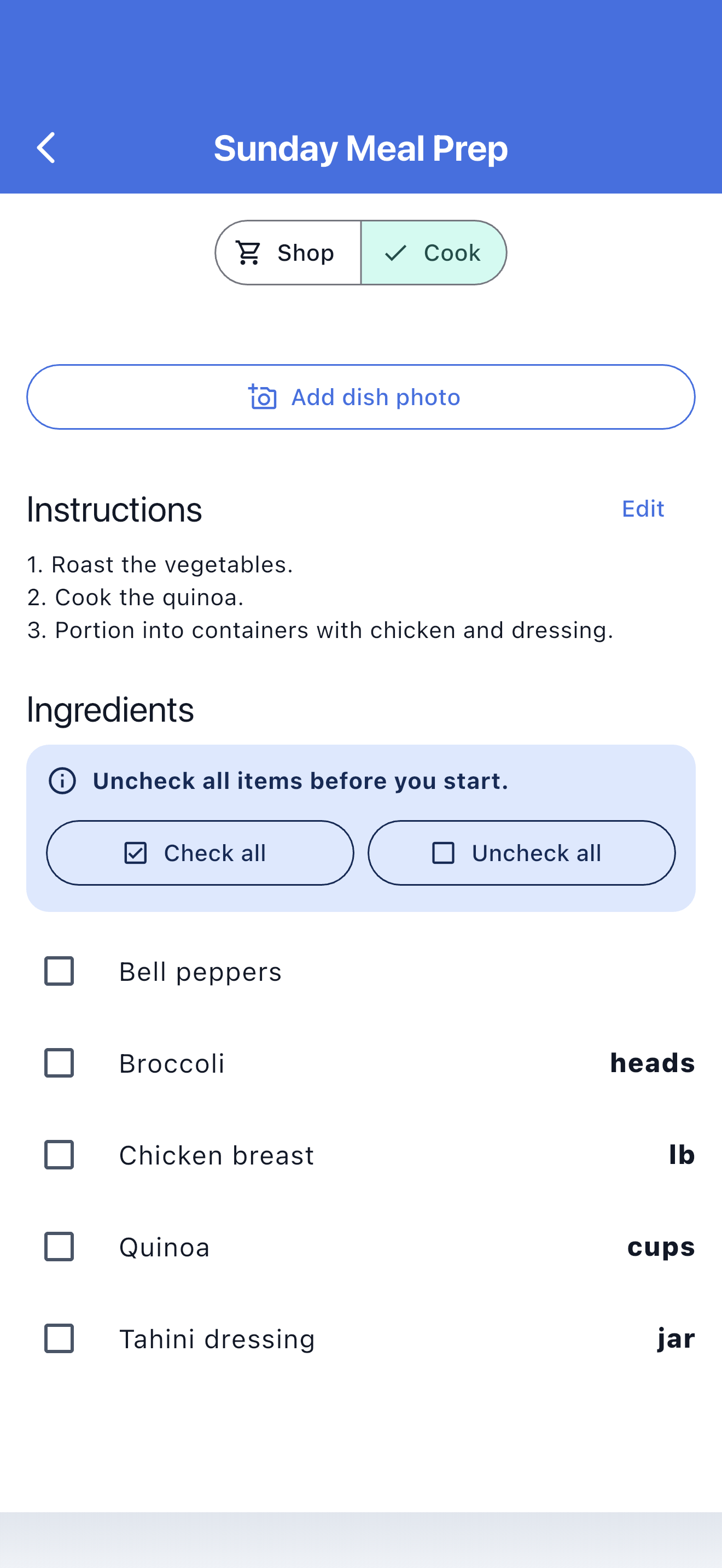
Read amounts and instructions in Cook mode, then keep the recipe for another night.
Browse recipes, Easy Meals, and grocery templates. Preview the ingredients, copy one into your account, and make it your own before shopping.
A bright pesto pasta with tomatoes, spinach, and Parmesan.
Fast tacos built from rotisserie chicken and ready-to-serve toppings.
A broad family-week checklist covering breakfasts, packed lunches, dinners, and snacks.
Keep package quantities, cooking measurements, and grocery categories together.
Let family or a partner add ingredients and follow shopping progress.
Copied recipe ingredients remain useful in stores with unreliable reception.
Edit the title, ingredients, measurements, instructions, group, and optional photo.
Write down the ingredients and steps for the dinners you already make so you can repeat them without guessing.
Copy a recipe or Easy Meal and adjust your independent version without changing the source.
Shopping quantities and recipe measurements stay with each ingredient, from planning through cooking.
A recipe manager keeps your recipes organized and easy to use again. SwiftLists also connects their ingredients to shopping quantities, categories, and checkmarks.
Yes. Add your own ingredients, recipe measurements, and cooking instructions. You can edit the recipe later.
Use SwiftLists in your browser or download the iOS or Android app. Sign in with the same account to access your lists and recipes.
No. You can create your own recipes. If you want a starting point, each account includes one starter Library copy; additional copies require Premium.
Create a web account or download the app, then add a meal you want to make again.
Download the app or create a web account: