

Easy meal5 items
15-Minute Pesto Pasta
A bright pesto pasta with tomatoes, spinach, and Parmesan.
- Baby spinach5 ounces
- Basil pesto¾ cup
- Cherry tomatoes1 pint
- Parmesan cheese½ cup
Use your browser to write recipe instructions, add ingredients, and organize the meals you make. SwiftLists gives you room to work at your desk and keeps the same recipes available when you open the app on your phone.
Download the app or create a web account:
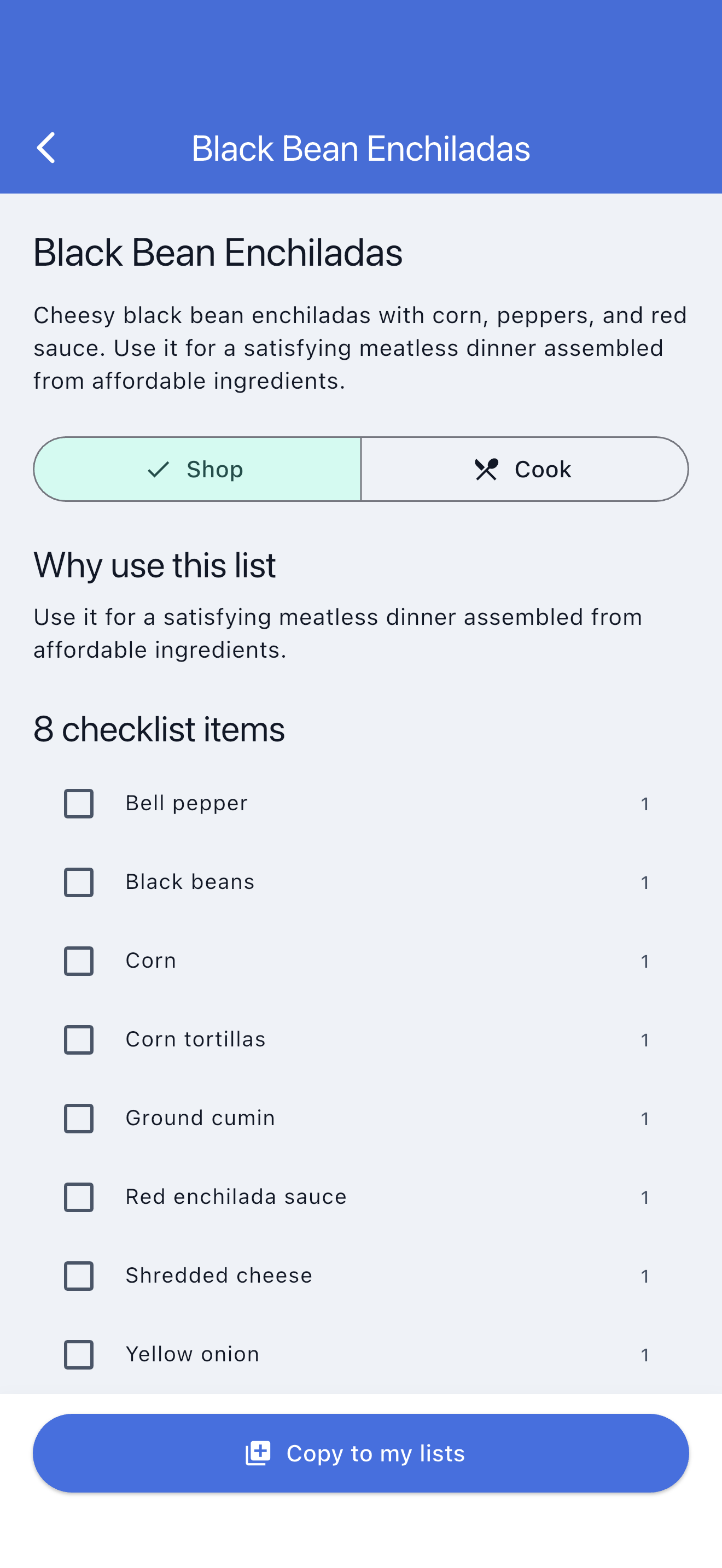
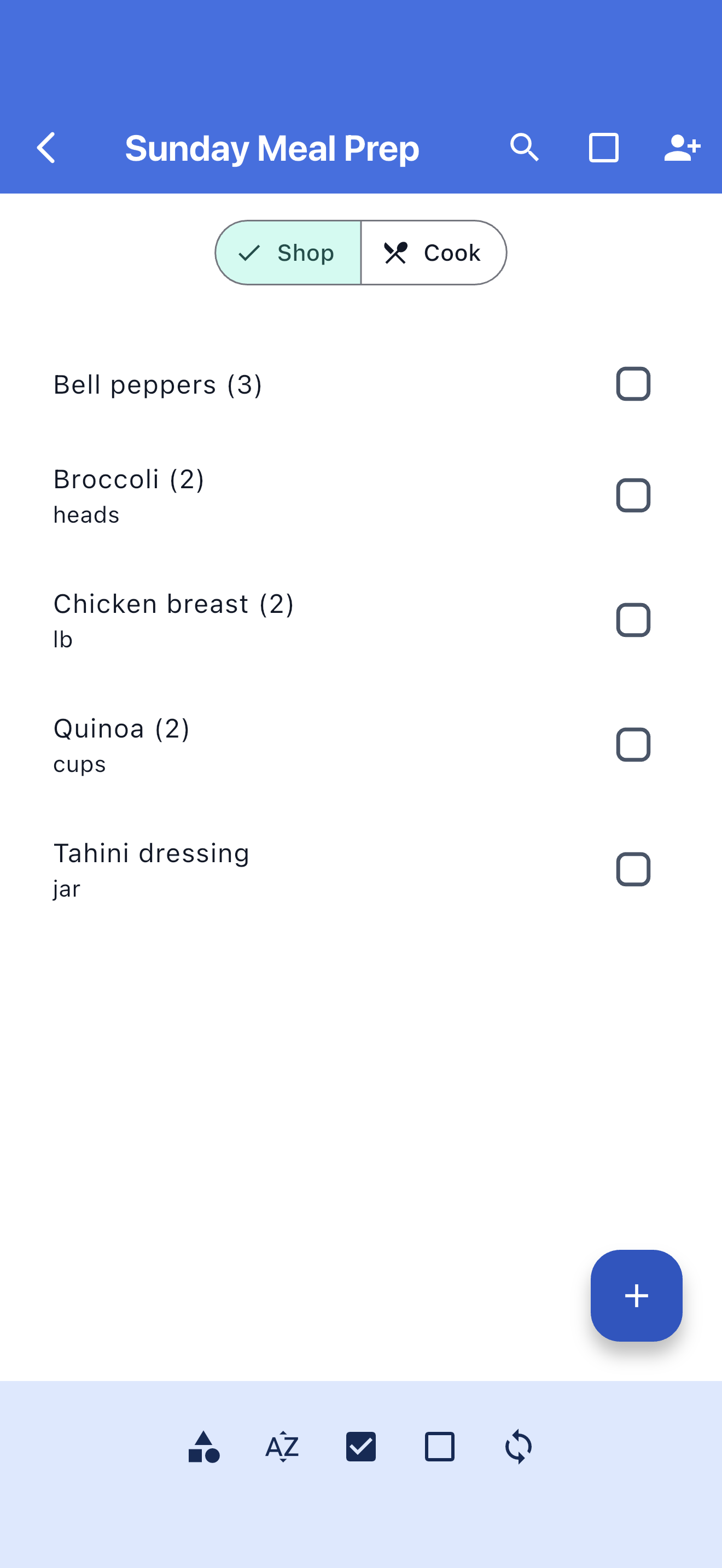
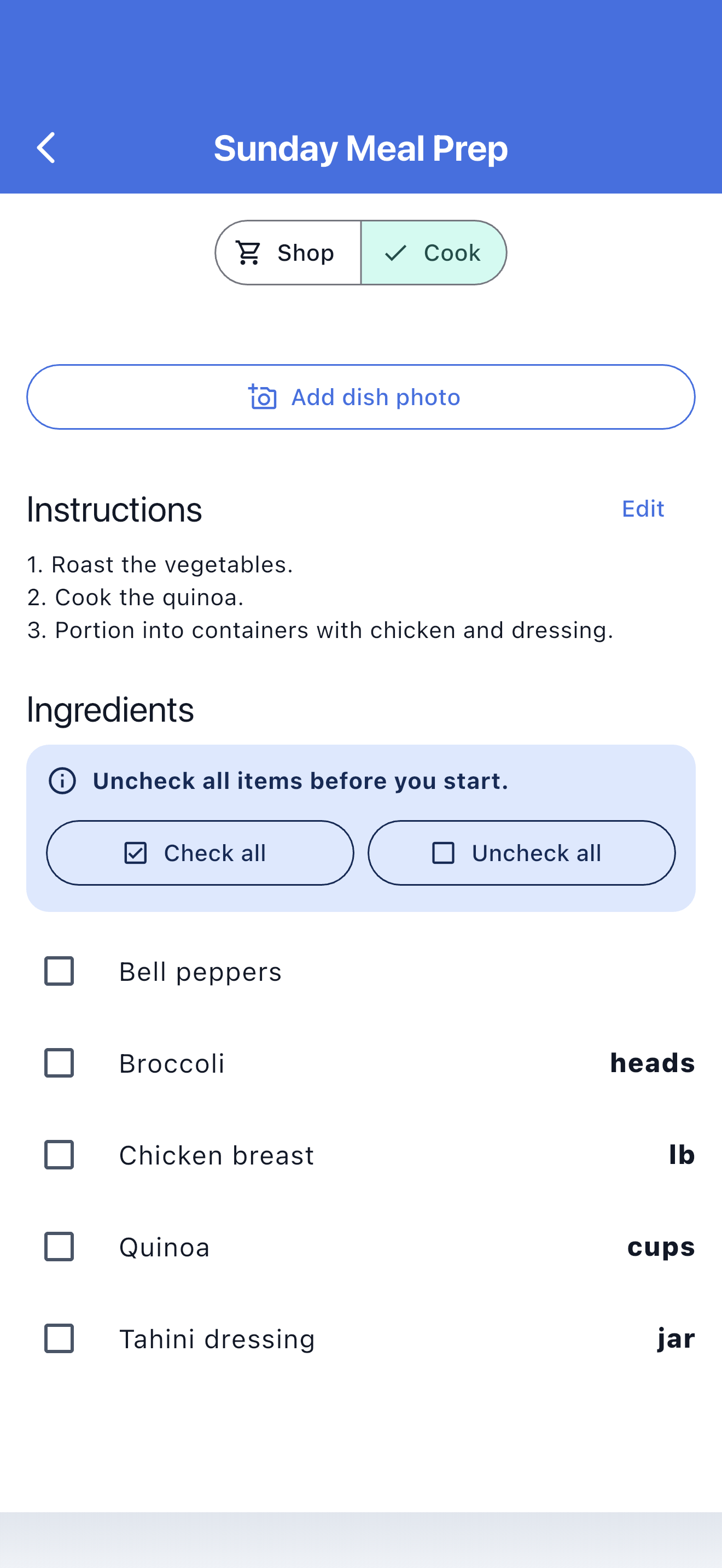
Example plan · Tonight’s dinner
Keep the shopping details and the recipe together.
Add your instructions and keep them with the ingredients.
Type out a method, correct an ingredient amount, or add a new dinner before the shopping trip. You can create a web account and start without installing an app.
Keep weekly staples and dinner ingredients in organized lists. Edit quantities and check off purchases.
Save ingredients, recipe measurements, and instructions together so you can return to a meal you like.
Sign in to the iOS or Android app with the same account to use your lists away from your browser.
The browser is your place to edit; the app brings the finished plan along. Use Shop mode for ingredients and Cook mode for instructions.
Open your SwiftLists dashboard in the browser.
Add ingredients and instructions using your keyboard, with recipe measurements beside shopping quantities.
Check the recipe details and edit what you need before leaving for the store.
Use the same account in the app to shop ingredients and follow the recipe in Cook mode.
Browse recipes, Easy Meals, and grocery templates. Preview the ingredients, copy one into your account, and make it your own before shopping.
A bright pesto pasta with tomatoes, spinach, and Parmesan.
Fast tacos built from rotisserie chicken and ready-to-serve toppings.
A broad family-week checklist covering breakfasts, packed lunches, dinners, and snacks.
Create and edit your lists and recipes online, with a full keyboard and browser window.
Keep shopping quantities separate from recipe measurements: buy a bag of rice, use two cups.
Reuse weekly staples and favorite meals instead of rebuilding the same plan.
Use your SwiftLists account in a browser or in the iOS and Android apps.
Keep recipe instructions together so you do not have to reconstruct the steps each time.
Edit a recipe measurement without confusing it with the package quantity you need to buy.
Create your own recipes or browse the Library for a meal to copy and customize.
Yes. Create a web account to create and edit recipes in your browser. The mobile apps are available when you want them.
Yes. Add and edit recipe instructions, ingredients, shopping quantities, and measurements in the web dashboard.
No. Sign in with the same SwiftLists account in the iOS or Android app.
Yes. Recipe pages include Shop and Cook modes, with shopping checkmarks kept separate from cooking measurements and instructions.
Create a web account to begin, or get the iOS or Android app for your next shopping trip.
Download the app or create a web account: