

Easy meal5 items
15-Minute Pesto Pasta
A bright pesto pasta with tomatoes, spinach, and Parmesan.
- Baby spinach5 ounces
- Basil pesto¾ cup
- Cherry tomatoes1 pint
- Parmesan cheese½ cup
Found a recipe you want to cook? Add its ingredients to SwiftLists and take a clear shopping list to the store. Keep the measurements and instructions with it, ready for dinner.
Start today by adding the recipe yourself. Direct Pinterest imports are not publicly available yet.
Download the app or create a web account:
Pinterest helps you find meal ideas. SwiftLists helps you organize the ingredients and cooking details for the one you want to make next.
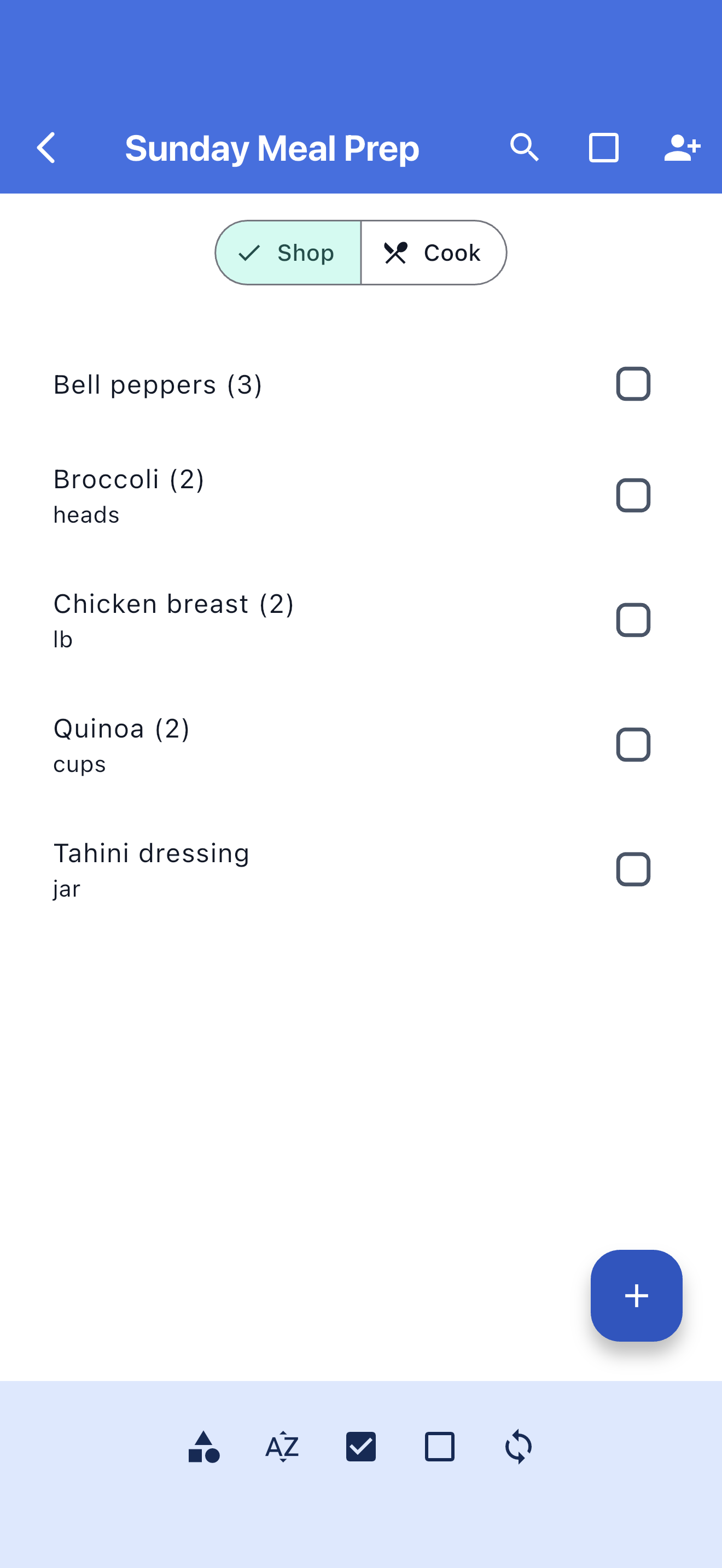
Put the recipe ingredients in a checklist you can check off as you shop.
The recipe might call for 1½ cups of rice. Your shopping list might need one bag. Keep both details.
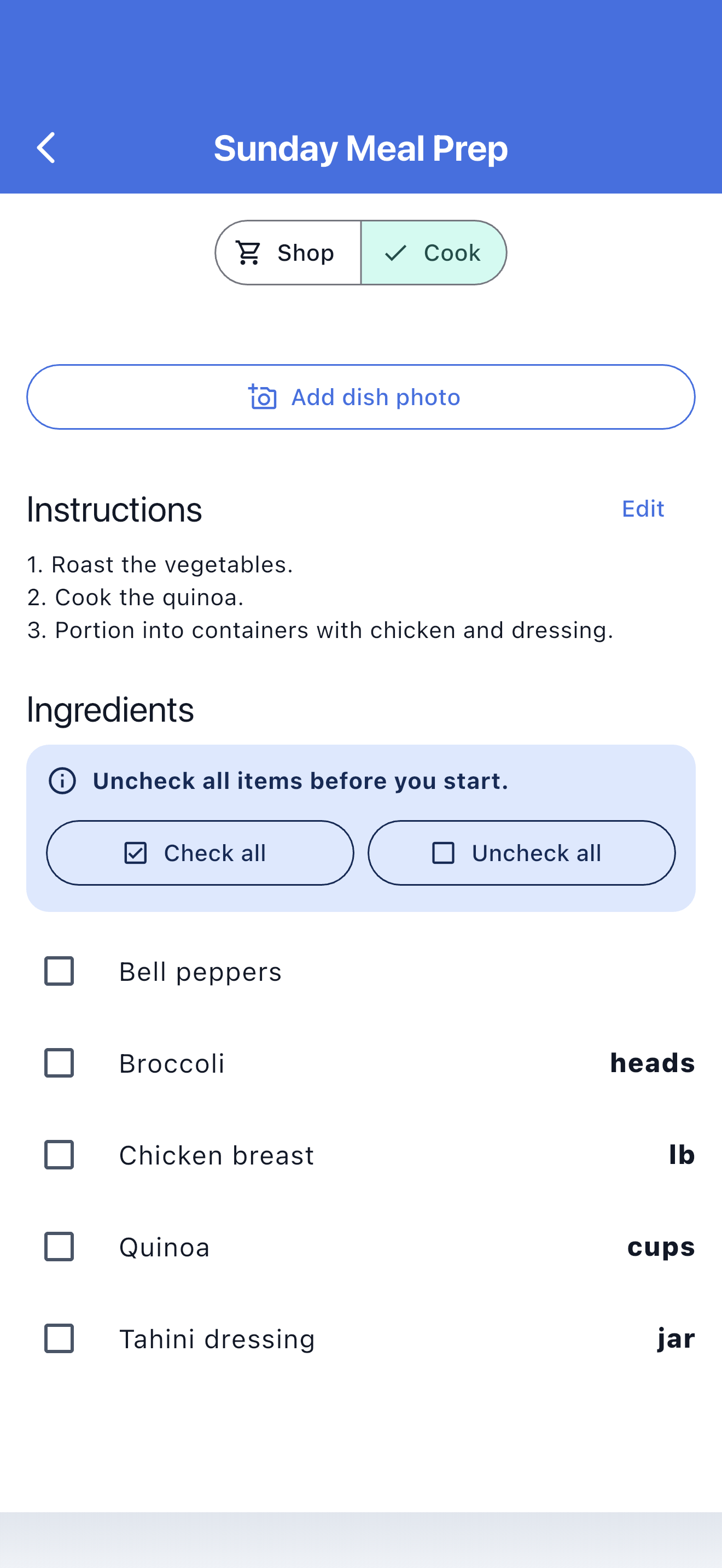
Add the instructions to your recipe so you can open Cook mode when it is time to make dinner.
You can get started now by entering the recipe in SwiftLists. No Pinterest account connection is needed.
Follow the Pin to the original recipe website. Look for the complete ingredients, amounts, and instructions.
Create a recipe and enter its title, ingredients, measurements, and cooking steps. Review the details against the original.
Check your kitchen first, set the quantities you need to buy, and use Shop mode to check off purchases.
Switch to Cook mode for ingredient measurements and instructions. Keep your recipe ready for another night.
Browse recipes, Easy Meals, and grocery templates. Preview the ingredients, copy one into your account, and make it your own before shopping.
A bright pesto pasta with tomatoes, spinach, and Parmesan.
Fast tacos built from rotisserie chicken and ready-to-serve toppings.
A broad family-week checklist covering breakfasts, packed lunches, dinners, and snacks.
Use your SwiftLists account on iPhone or Android when you head to the store.
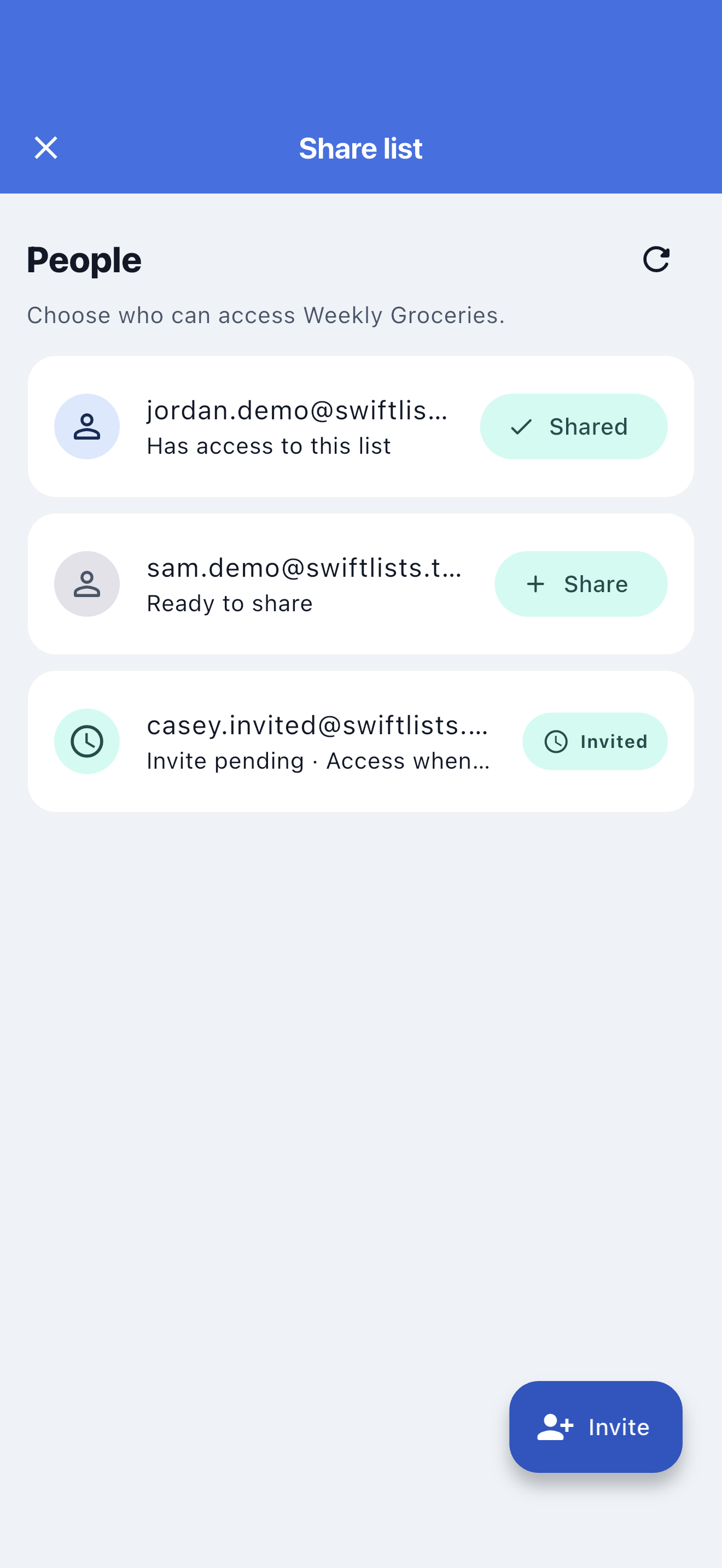
Share your list with the person shopping with you so you can follow the same progress.
Edit ingredients and instructions as you learn what works in your kitchen.
Keep favorite meals and reuse their ingredient lists instead of starting over.
Choose one meal, add its ingredients, and check what you already have before heading out.
Keep every ingredient and its cooking amount together, including the small extras that are easy to forget.
Save your own version with the adjustments you liked, ready for the next shopping trip.
Direct Pinterest imports are not publicly available yet. You can make a shopping list today by opening the original recipe and entering its ingredients in SwiftLists.
Open its original website and check for complete ingredients and instructions. If those details are missing, choose another source rather than guessing amounts or cooking steps. Not every Pin can be imported.
Yes. Create a web account to add and edit recipes and shopping lists. Sign in to the iPhone or Android app with the same account to take them with you.
No. A cooking measurement describes what the recipe uses, such as 1½ cups. A shopping quantity describes what you need to buy, such as one bag. SwiftLists keeps these separate.
No. SwiftLists does not connect to your Pinterest account or sync boards. You choose the recipe you want to add.
No. Your recipe is saved privately. You choose whether to share a list with someone.
Download SwiftLists for iPhone or Android, or create a web account and add the recipe at your keyboard.
Download the app or create a web account: