

Recipe8 items
Sheet-Pan Lemon Chicken and Vegetables
Lemon-herb chicken roasted with potatoes and green vegetables on one pan.
- Baby potatoes1½ pounds
- Broccoli1 large head
- Chicken thighs2 pounds
- Dried oregano1 teaspoon
Copy recipes and Easy Meals into personal Groups, shop their categorized ingredients, and keep the amounts and cooking instructions ready for the week ahead.
Download the app or create a web account:
Add groceries, see automatic categories, change quantities, and check items off in your browser. No download or account needed to try it. Create an account or sign in to save your list.
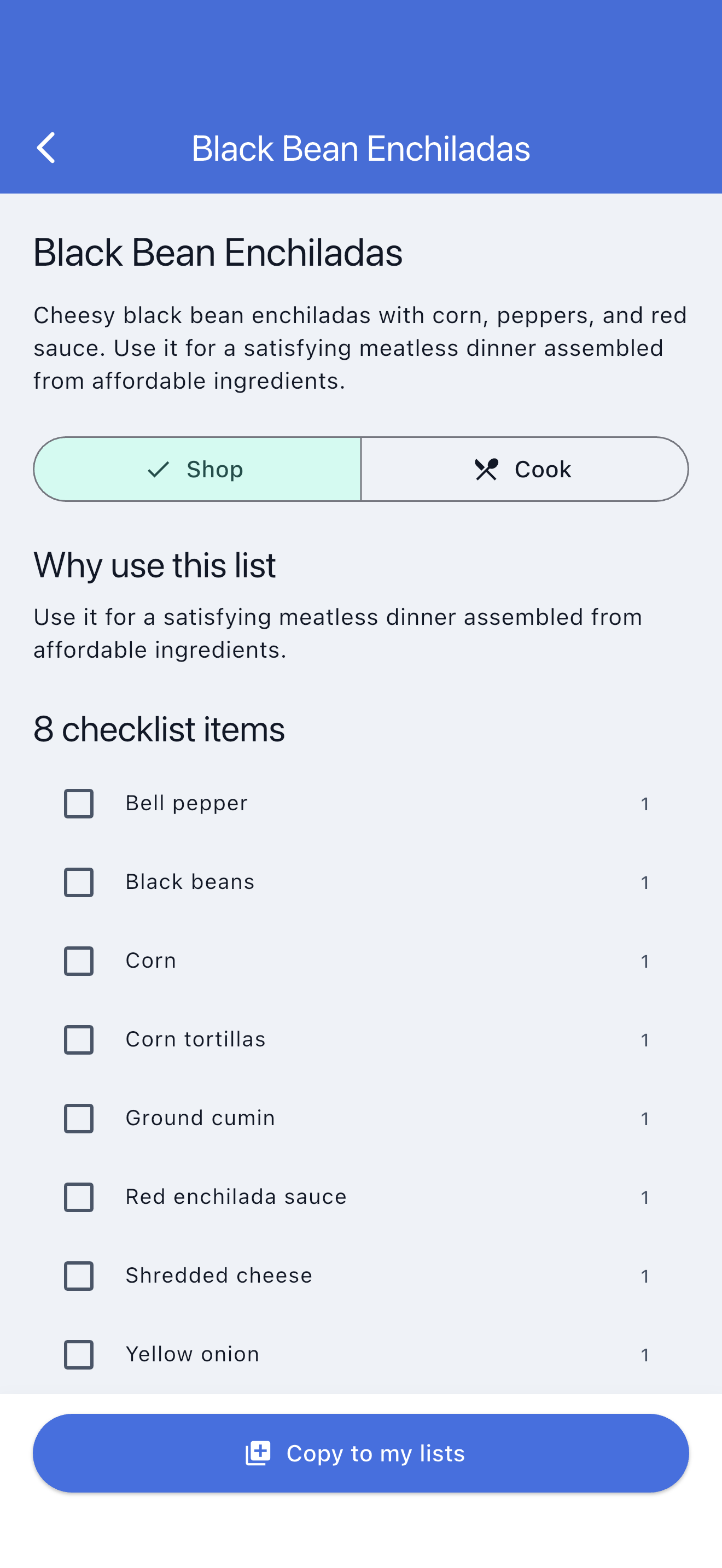
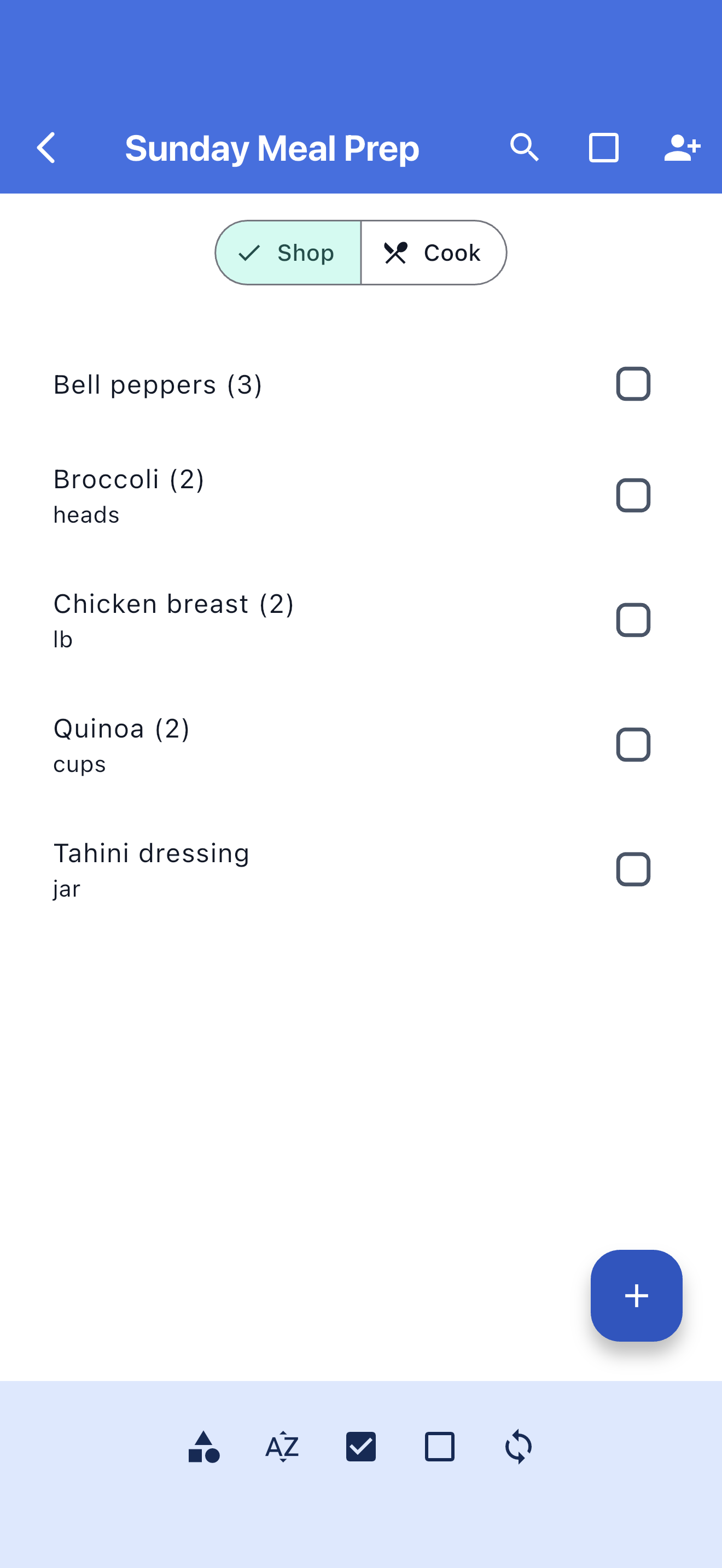
SwiftLists keeps planned recipes organized in Recipes or Easy Meals Groups while preserving the grocery categories needed for one focused store trip.
Browse practical recipes and Easy Meals when you do not know what to make.
Every recipe ingredient uses the same categories, quantities, checking, and sharing as a grocery list.
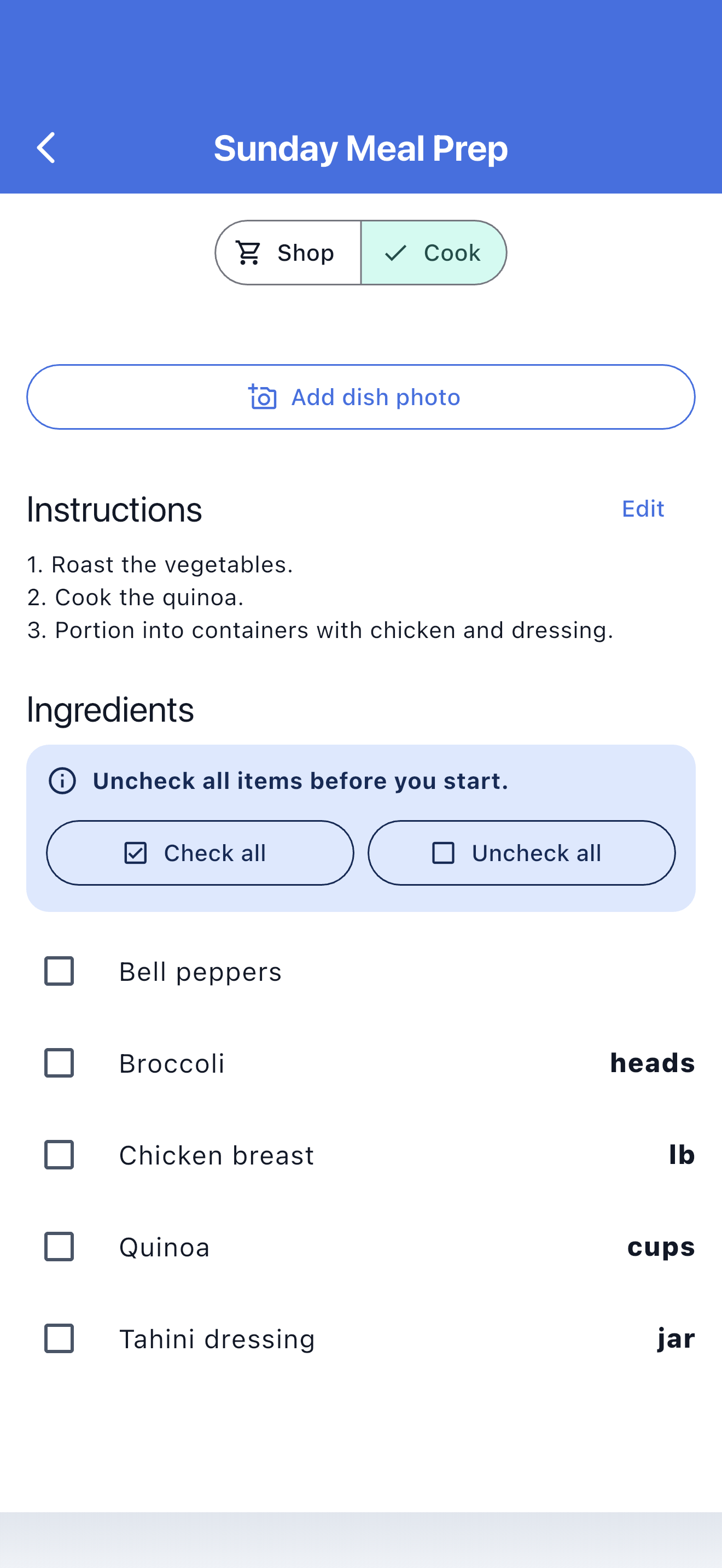
Measurements and instructions stay with the recipe when shopping is finished.
SwiftLists connects recipe discovery to the practical grocery checklist you need at the store.
Search the Library by meal type, ingredient, goal, or cooking style.
Create an independent recipe and ingredient list in your account.
Use categories and checkmarks to buy everything the recipe needs.
Follow ingredient measurements and instructions without changing shopping progress.
Browse recipes, Easy Meals, and grocery templates. Preview the ingredients, copy one into your account, and make it your own before shopping.
Lemon-herb chicken roasted with potatoes and green vegetables on one pan.
Shortcut chicken bowls with pita, crisp vegetables, hummus, and feta.
Batch-cooking staples that mix and match into prepared breakfasts, lunches, and dinners.
Keep package quantities, cooking measurements, and grocery categories together.
Let family or a partner add ingredients and follow shopping progress.
Copied recipe ingredients remain useful in stores with unreliable reception.
Edit the title, ingredients, measurements, instructions, group, and optional photo.
Collect recipes for the week and keep each meal independently editable.
Use Recipes and Easy Meals Groups or move a recipe into any personal Group.
Let another household member help edit ingredients and shop from the same current list.
No. Groups are personal organization; the recipe keeps its ingredients, measurements, and Shop/Cook behavior.
Yes. Browse and copy templates in the web dashboard, then open the same account in the mobile app.
Each copied recipe currently remains its own list, which preserves its instructions and independent shopping state.
Start in the Library, copy a complete recipe, and manage the week from web or mobile.
Download the app or create a web account:
Add groceries, see automatic categories, change quantities, and check items off in your browser. No download or account needed to try it. Create an account or sign in to save your list.